
TCG Card Shop Simulator Pokemon Mod: Which One and How to Install
Compare the two main Pokemon mod routes for TCG Card Shop Simulator, what each requires, and how to install them without breaking your save.

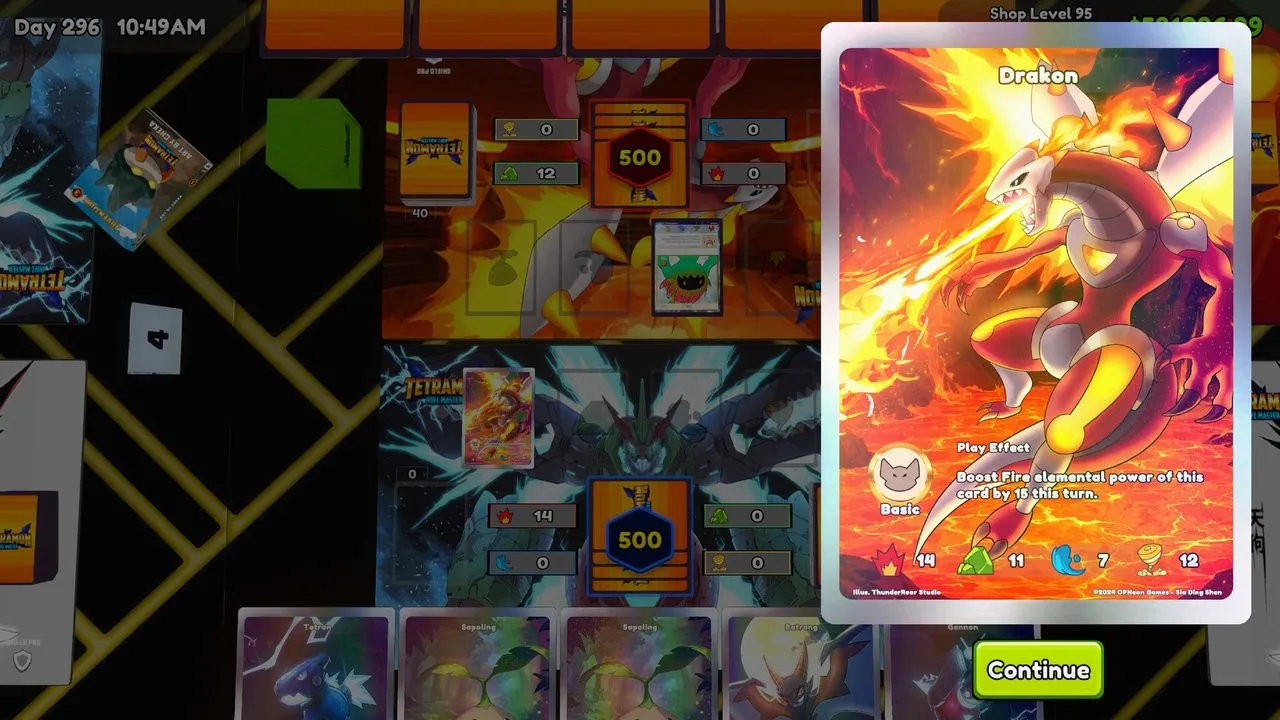
Pokemon mods do not add a game mode. They replace the game’s card art, packs, boxes and shop textures with Pokemon versions.
Two routes are actively maintained, and they suit different kinds of player.
Route one: Real TCG Overhaul
Real TCG Overhaul is the fuller option. It ships with its own mod manager, and the installation guide is unusually careful about doing things in the right order.
What you download. Eight content files: three Pokemon expansion generations, accessories, figurines, statues, shop textures and a shop app. Generations one and two are about 1.4 GB each, so expect roughly 3.5 GB in total.
Required components. A pre-configured BepInEx with the configuration manager, Phone Overhaul, Enhanced Prefab Loader and its API, Holographic Overhaul, TextureReplacer for the shop textures, and Collection Tracker for promo cards. Four further components are recommended for binders, demand, grading and a custom TV.
How the manager works. Unzip and run it, point it at the folder holding the game executable if it does not find it automatically, then add every downloaded .zip at once from the Downloaded Mods tab. The manager reads each archive and decides where it belongs.
Two rules matter. Do not unzip anything yourself, and do not use a plain BepInEx pack, because the manager rejects it. If a mod fails to appear in game, check the mod status panel for duplicate installs.
What is inside. The card content covers first-generation sets such as Base Set, Jungle, Fossil, Team Rocket and the Gym sets, second-generation sets including Neo Genesis through Skyridge, and third-generation EX sets. Playmats and deck boxes come from a community contributor.
Route two: drawshan’s Pokemon mod
This option is smaller and more hands-on. It adds 151 Scarlet and Violet cards into the original expansion, 26 ghost card variants, and the full card lists of three newer expansions.
The dependency chain is longer than it looks. You need BepInEx and TextureReplacer, then More Card Expansions, then the Add Entirely New Cards mod, then the main mod, then a patch file. After that you press F1 in game and confirm five expansion entries are enabled.
The compatibility warning is explicit. The author states the mod is incompatible with anything else that changes cards, and that any such mod must be fully uninstalled first. There is also a save warning: if you save with added cards and later remove the mod, the affected cards in your binder can break.
Which one should you pick?
| Situation | Better route |
|---|---|
| You want the most content and a guided installer | Real TCG Overhaul |
| You want Pokemon cards only, with minimal shop changes | drawshan’s Pokemon mod |
| You already run other card mods | Real TCG Overhaul, and remove the others |
| You want to remove it again cleanly | Texture-focused setup, and keep a separate save |
The broader rule is that content mods are the ones that touch your save. Texture replacement alone is reversible, anything that adds cards is not.
Before you install anything
Patch 1.0 changed how card data loads, and the community spent the following days waiting for updates. Check the last-updated date on each mod page before committing to a build.
Back up your save file, and if you already run card content mods, accept that switching to a Pokemon overhaul means starting that save fresh or restoring an older backup.
What these mods are not
They are cosmetic re-skins built by players. The developer has no involvement, and no Pokemon content is officially licensed in TCG Card Shop Simulator. Installing one does not add new mechanics, change the economy or unlock anything the base game hides.